Learn and translate
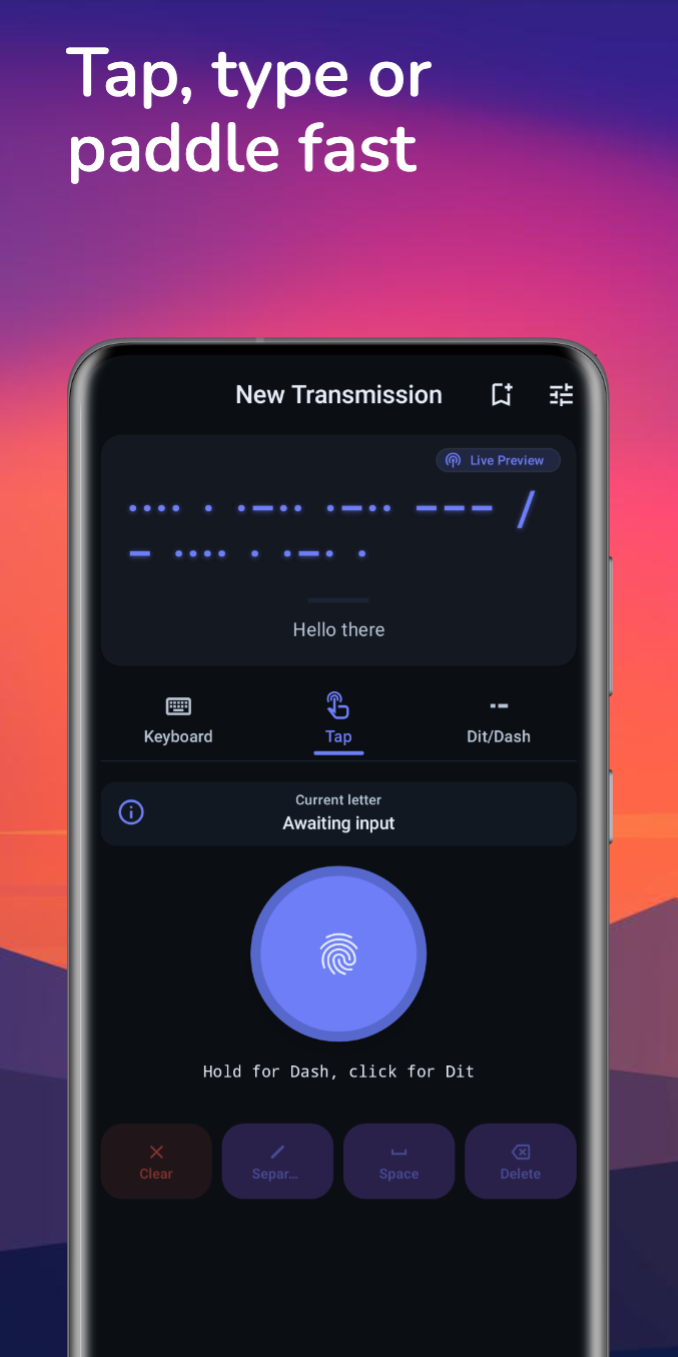
Use Text Input for fast conversions, then switch to Morse Key or Dit/Dash when you want to feel the timing in your hands.
Morseify helps you learn Morse code, translate text fast, and turn any message into audio, torch, or vibration playback from one calm, focused workspace.
Input modes
Text Input, Morse Key, and Dit/Dash keep practice approachable from day one.
Playback
Replay your message as audio, torch, or vibration and tune the rhythm to your pace.
Saved messages
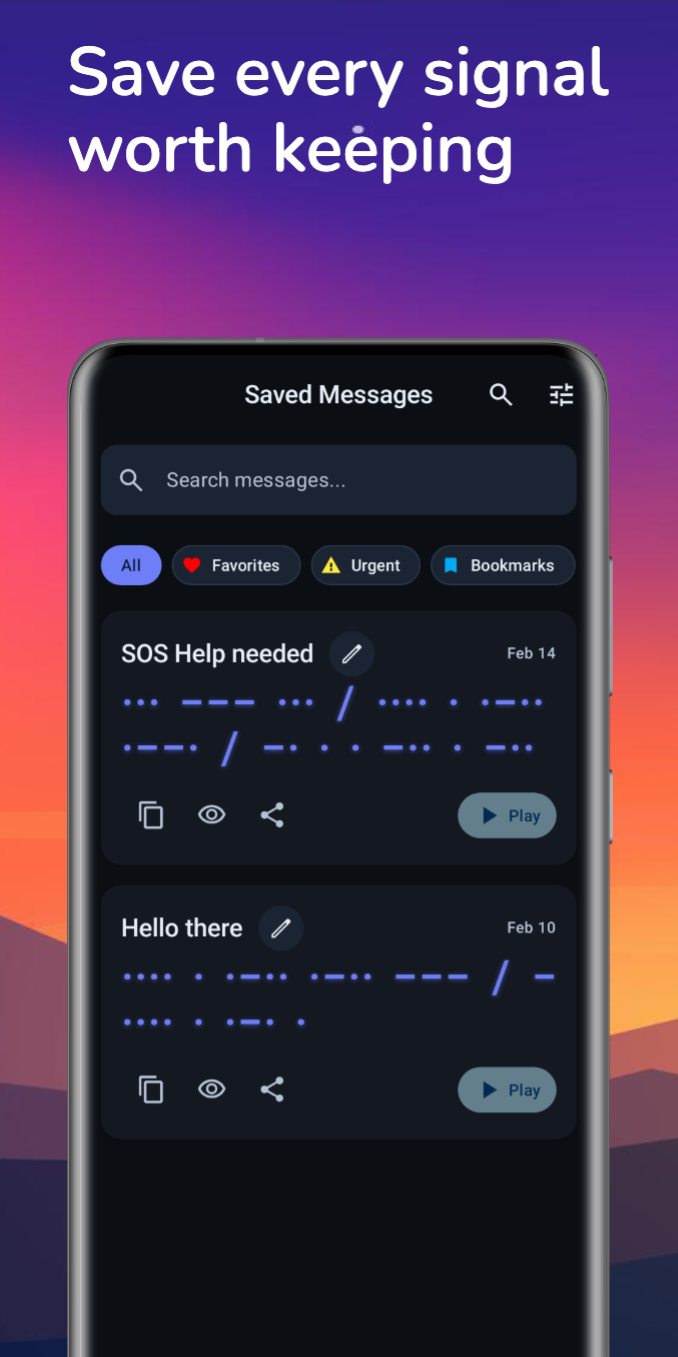
Keep important transmissions close, then share them as text, audio, or visual signal video.
Progress and streaks
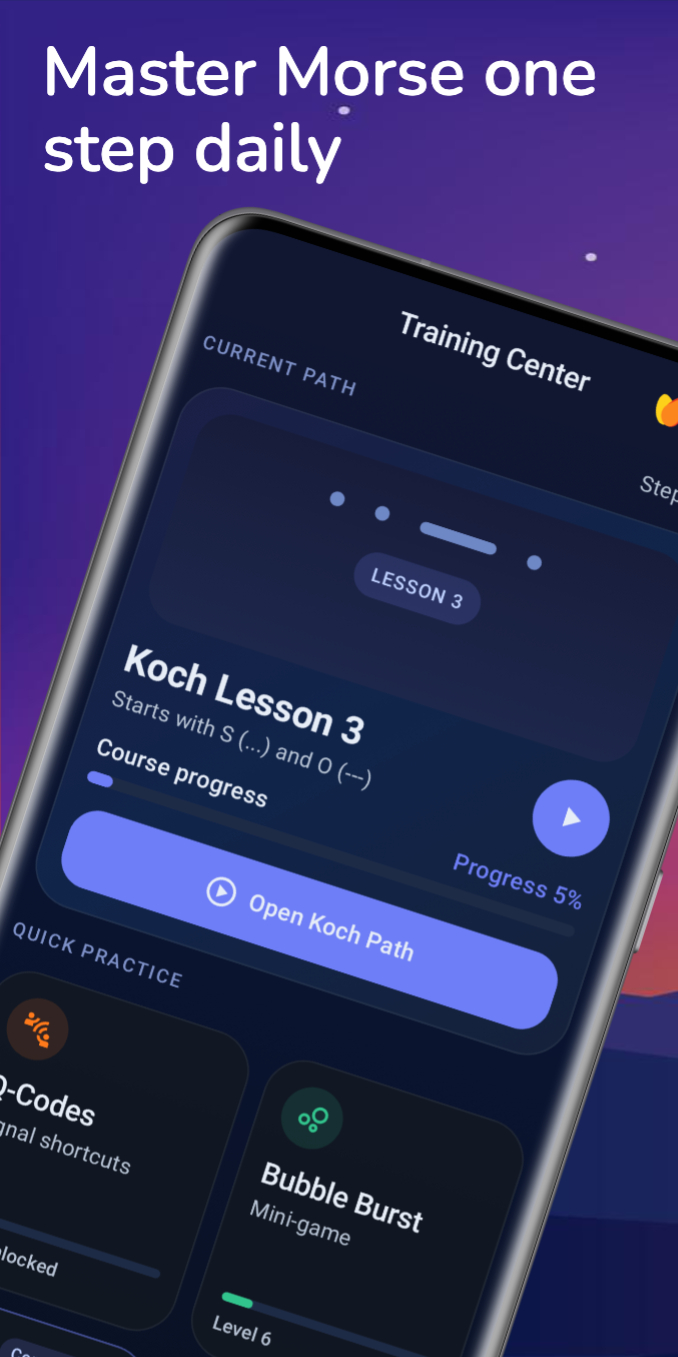
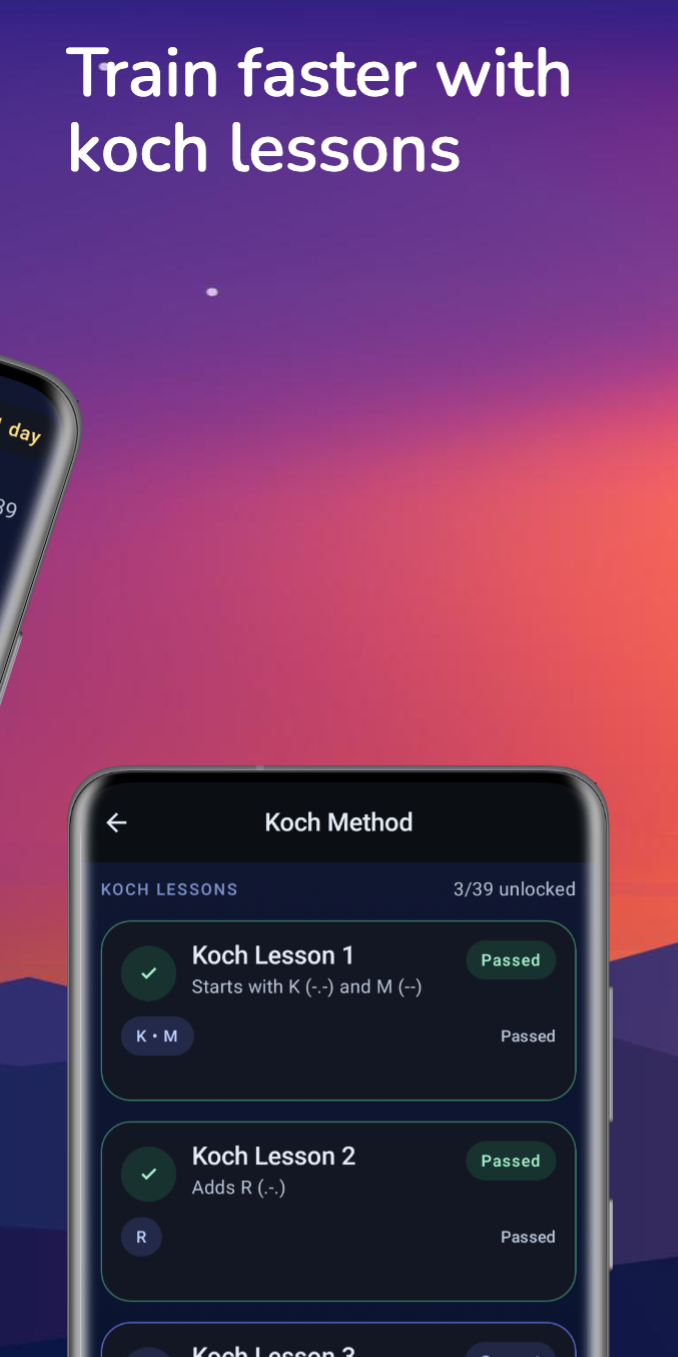
Lesson unlocks, streaks, and training stats keep momentum visible while you build real recall.
Live signal
Practice, replay, refine.
Why Morseify
Morseify is built for learners first, but it stays useful when you want practical signal tools. Compose quickly, replay with real output modes, and keep your study flow in one consistent environment.
Use Text Input for fast conversions, then switch to Morse Key or Dit/Dash when you want to feel the timing in your hands.
Play back the same message through audio, torch, or vibration and adjust speed, timing, tone, and output preferences to fit your ear.
Keep important messages nearby, revisit them later, and use optional account support to manage saved content and account-related settings.
Send plain text, export Morse audio, or create visual signal videos without leaving the app.
Workspace
Signal path
Built for steady practice
The experience stays readable and intentional instead of noisy, so the signal itself remains the focus.
Training hub
Move from first characters to active recognition with structured lessons, mastery checks, lesson unlocks, and faster practice loops that keep motivation high.
Step-by-step character learning with advanced timing that keeps the character rhythm fast while spacing stays easier to follow.
Learn common communication shortcuts in a guided sequence that supports memory and recognition, not just raw recall.
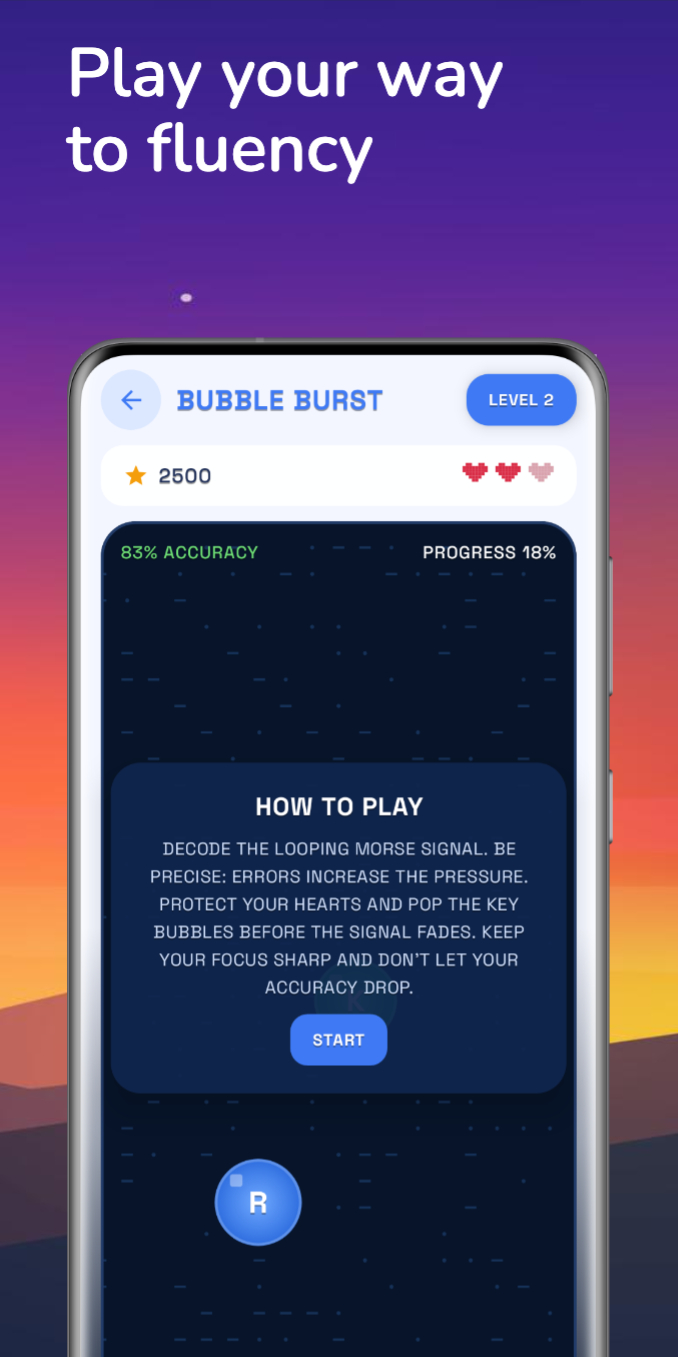
A faster practice mode for active repetition when you want your timing and recognition to hold up under more pressure.
Practice note
The goal is not noise or speed for its own sake. It is recognition you can trust when the signal starts to move faster.
Reference and recall
Check a pattern quickly, refresh radio shorthand, or steady yourself before sending a message. Morseify keeps the core reference close instead of making you hunt for it.
Core learning, translation, playback, and reference tools remain available even when you are away from a connection.
Move from lookup to recall with a reference that supports repetition instead of interrupting your study flow.
Signal controls
Morseify is not just about translating a signal once. It is built to help you repeat it, tune it, track it, and stay in control of the data around it.
Progress tracking, streaks, lesson unlocks, and training stats make it easier to stay motivated across longer learning sessions.
Adjust speed, timing, tone, and output preferences so practice feels precise whether you are studying softly or transmitting clearly.
Sign in only when you want account-linked saved content and settings management. Core learning and reference tools still stand on their own.
Privacy, legal, and account-deletion controls are available both inside the app and on the public site when you need them.
Download Morseify
Morseify brings guided practice, reference tools, saved messages, and replay controls together in one Android app so the next session can begin exactly where your last signal ended.
The signal kit